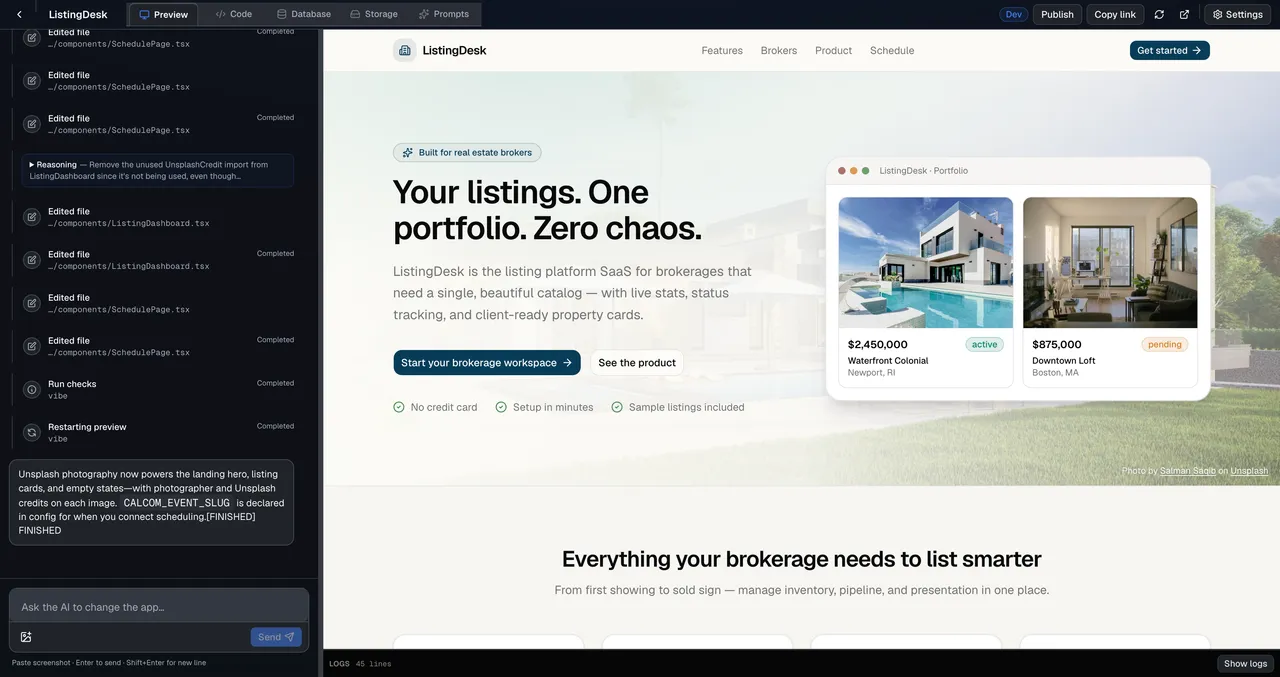
Prototype in the browser
Validate flows in 99xDev Preview, then clone the export into Cursor for hardening.
Build apps with Cursor
Cursor is for editing repos. 99xDev creates them from a prompt.
Best of both: hosted builder now, Cursor later.
Card required — $0 for 7 days.
Full-stack output, built-in data tools, and code you can export when the project outgrows the studio.
Export standard React + Express repos that open cleanly in Cursor with familiar rules and tests.
Avoid day-one `.cursorrules` and folder debates—start from a working full-stack app.
SQLite and migrations are in the studio—no local services to start before your first preview.
Cofounders review preview links before you push to GitHub for Cursor-based collaboration.
Validate flows in 99xDev Preview, then clone the export into Cursor for hardening.
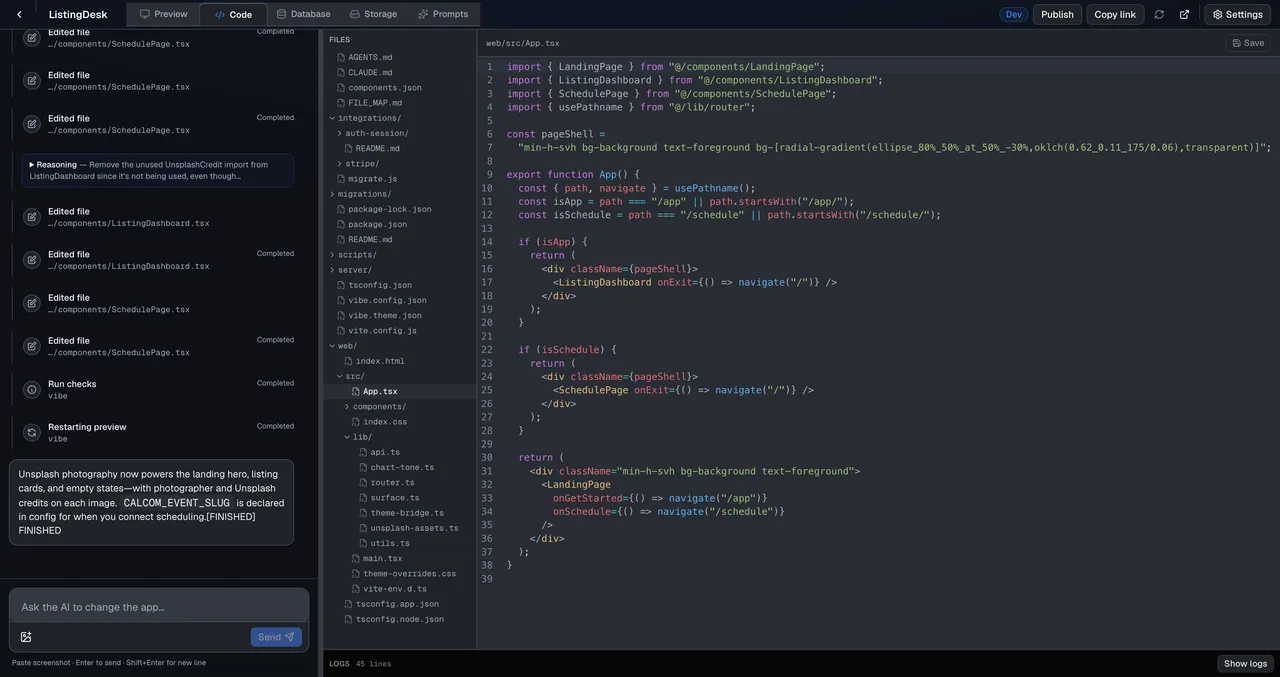
The Code tab shows the same tree Cursor will index—no proprietary format.
Create your account and start building. Card required — $0 for 7 days.